 NoteInk
Better Features, Better Notes
NoteInk turns your iPad and Apple Pencil into the notebook you always wanted: fast, precise and made for real handwriting.
Coming soon to the App StoreFree for 5 notebooks, then unlock once – no subscription, ever.
What NoteInk can do
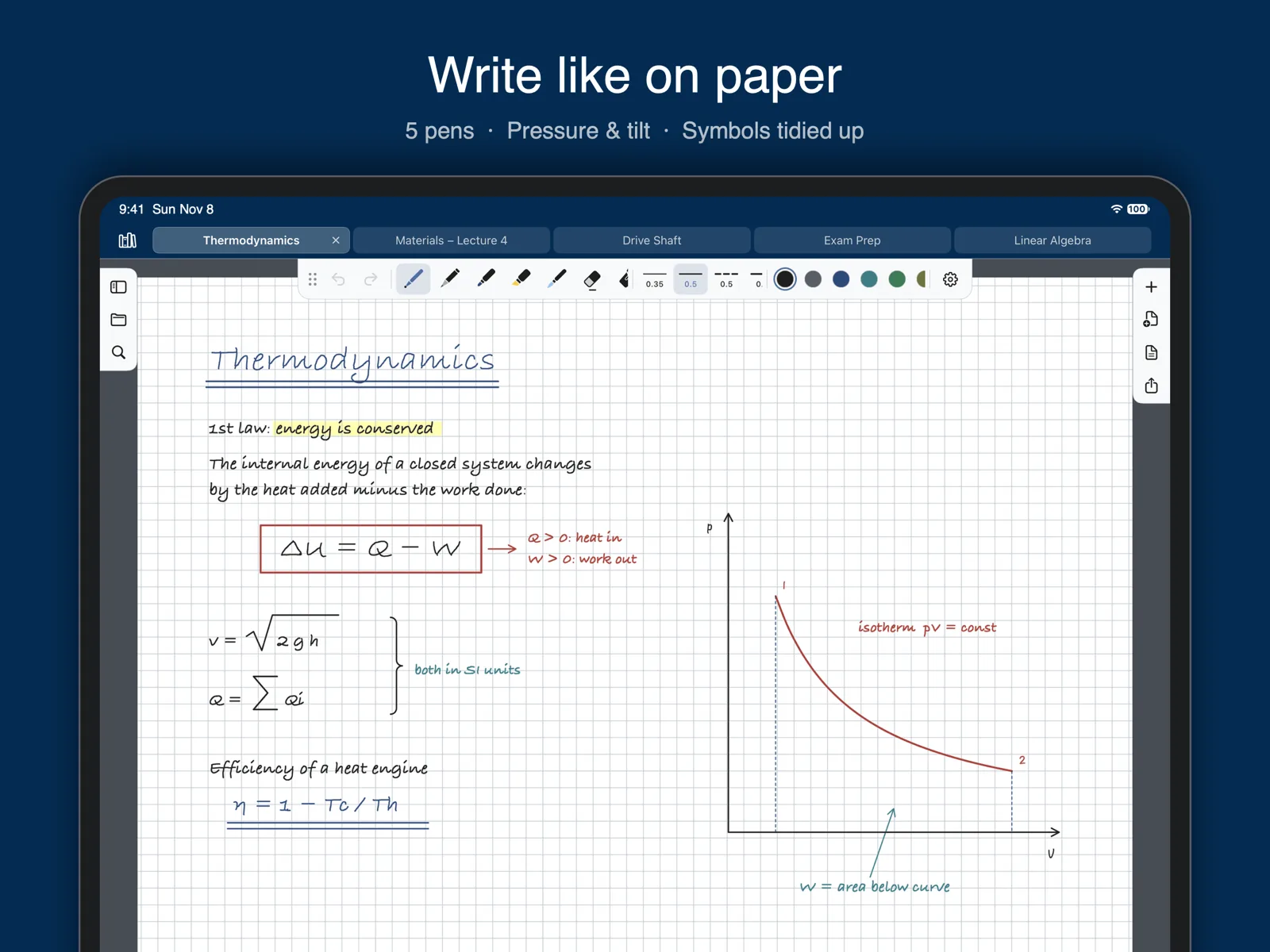
Write like on paper
- Ballpoint, felt pen, brush, pencil and highlighter – pressure and tilt included
- Ink appears instantly under the tip, even on full pages
- Erase whole strokes, parts of strokes or just an area
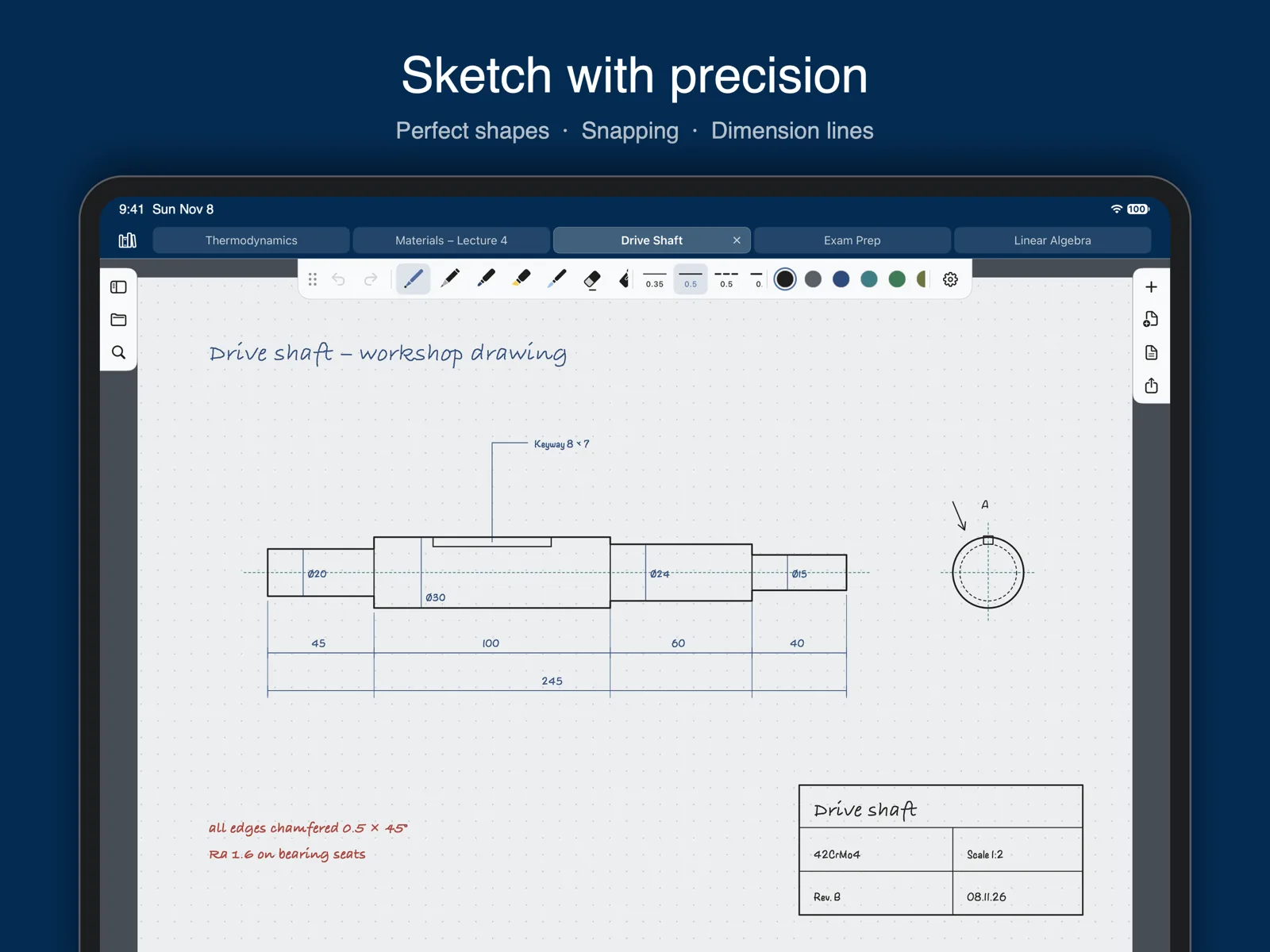
Shapes that snap
- Draw and hold: lines, arrows, circles, rectangles and polygons become perfect shapes
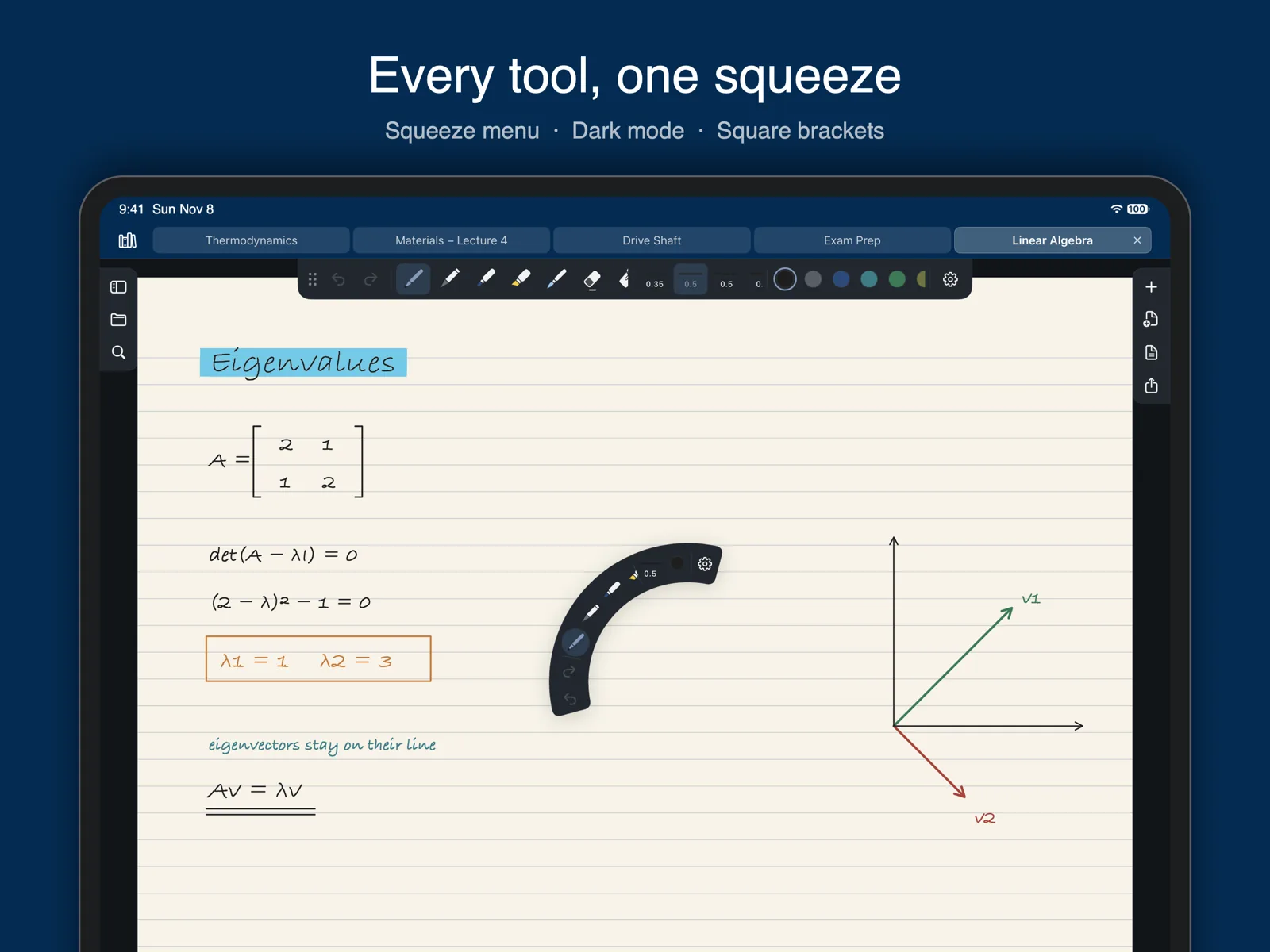
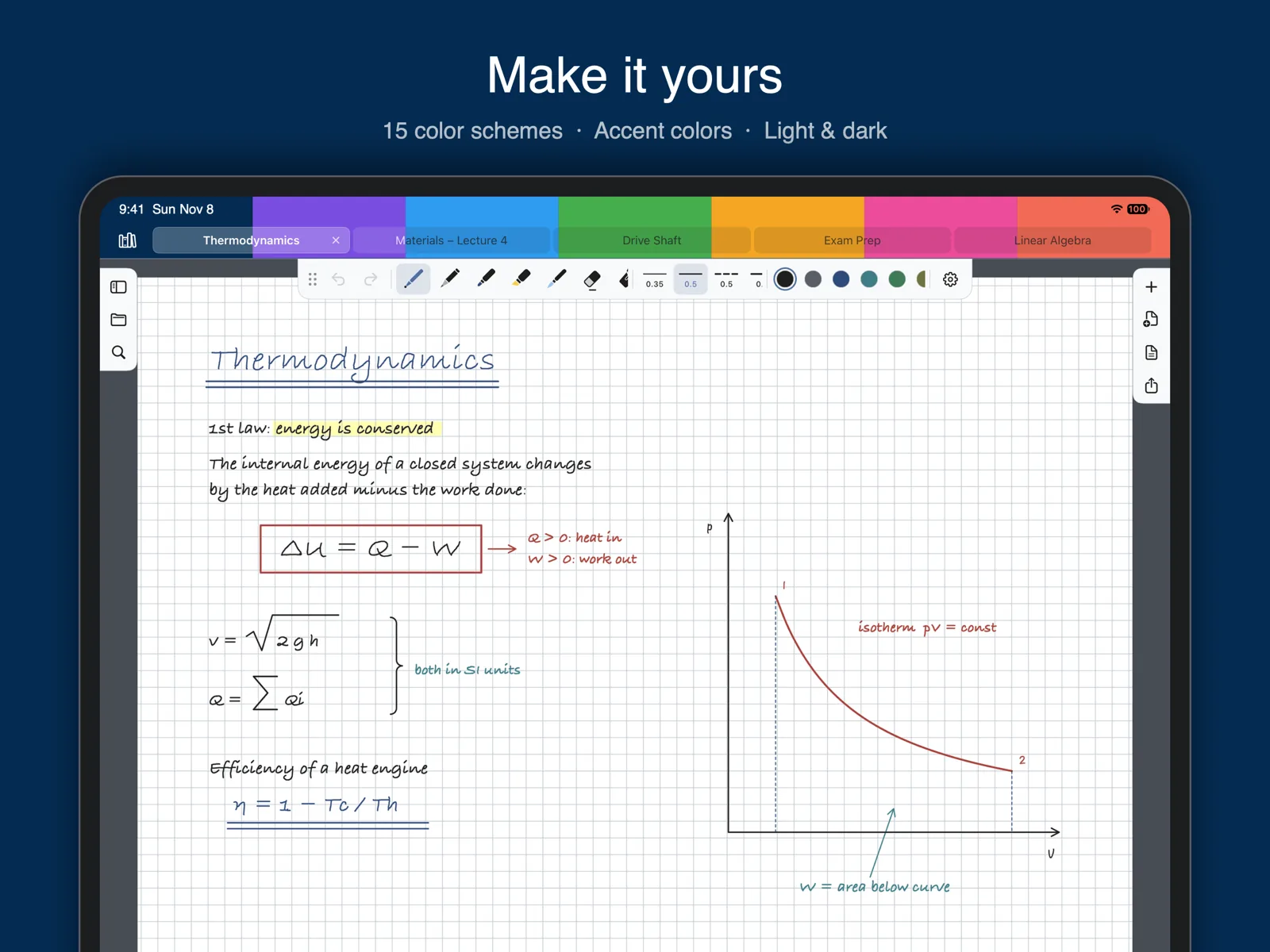
- Square roots, sum signs, curly brackets, double underlines and dimension lines are tidied up automatically
- Shapes snap to corners and lines; guides help you line things up
- Scribble over something to delete it, circle it to select it
Everything on the page
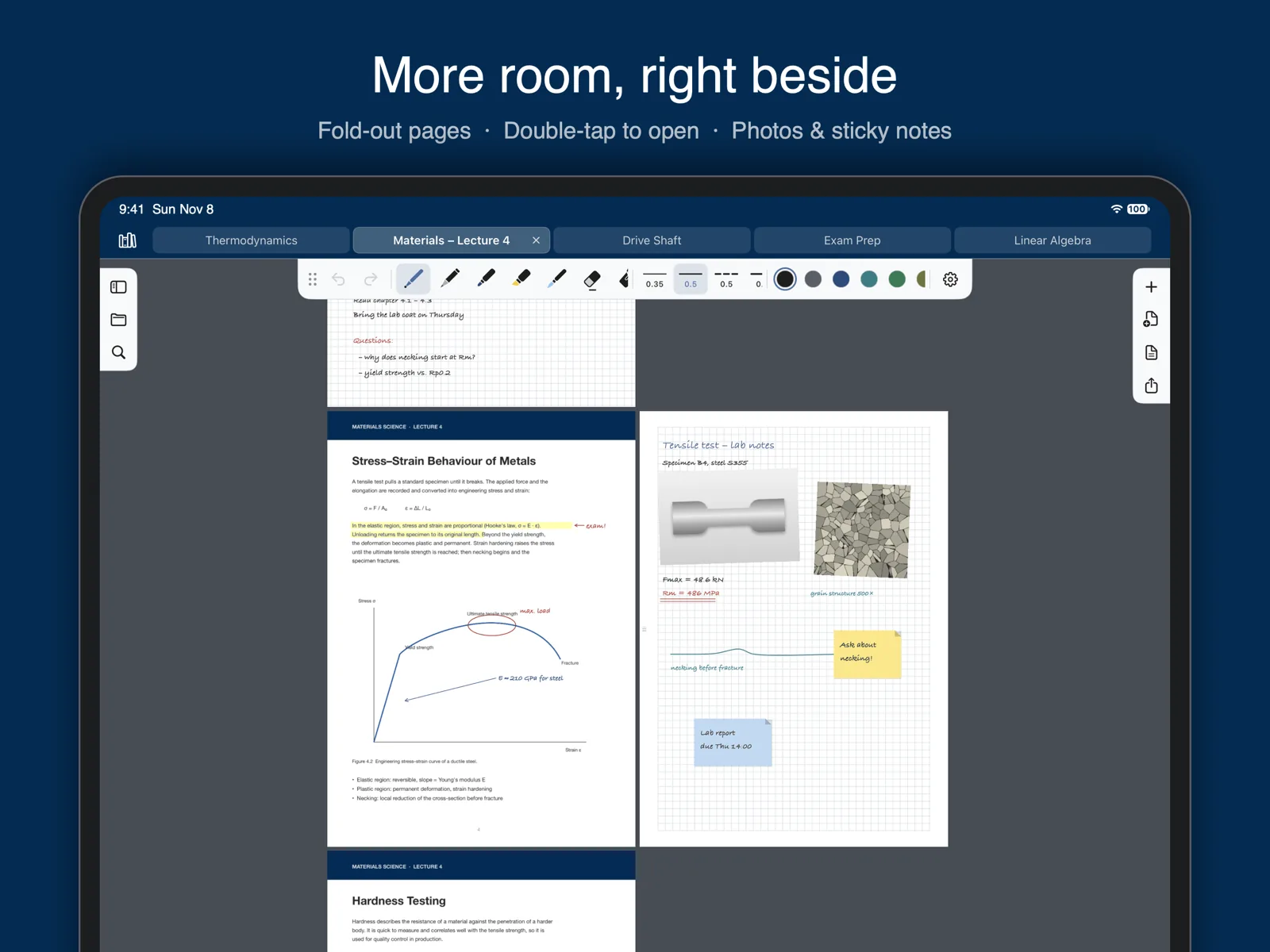
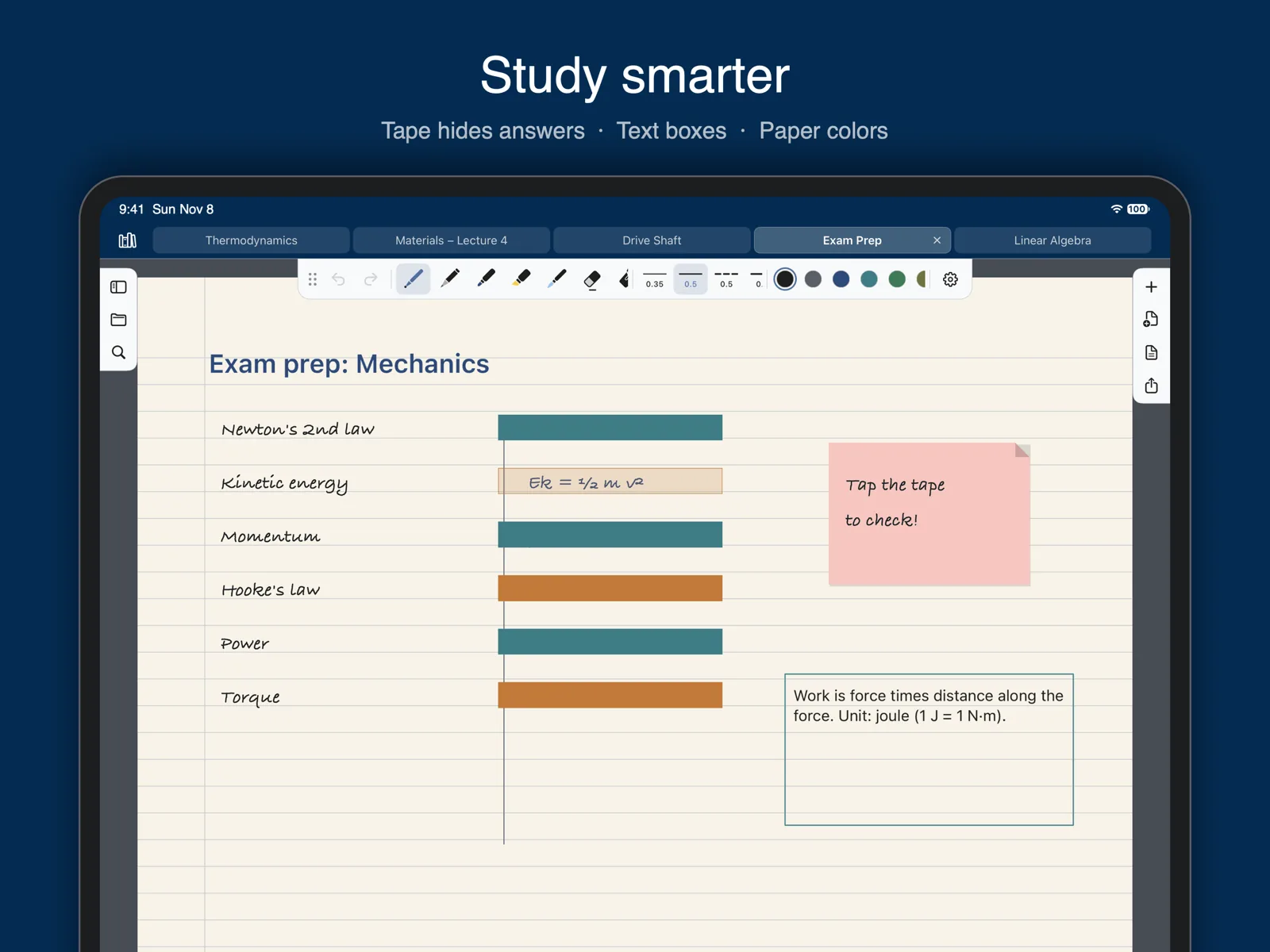
- Text boxes, sticky notes, photos, camera and document scans
- Fold-out pages next to any page for extra space
- Tape to hide answers – tap to reveal, perfect for learning
- Lasso to move, scale, rotate, recolor or copy anything
PDF, done right
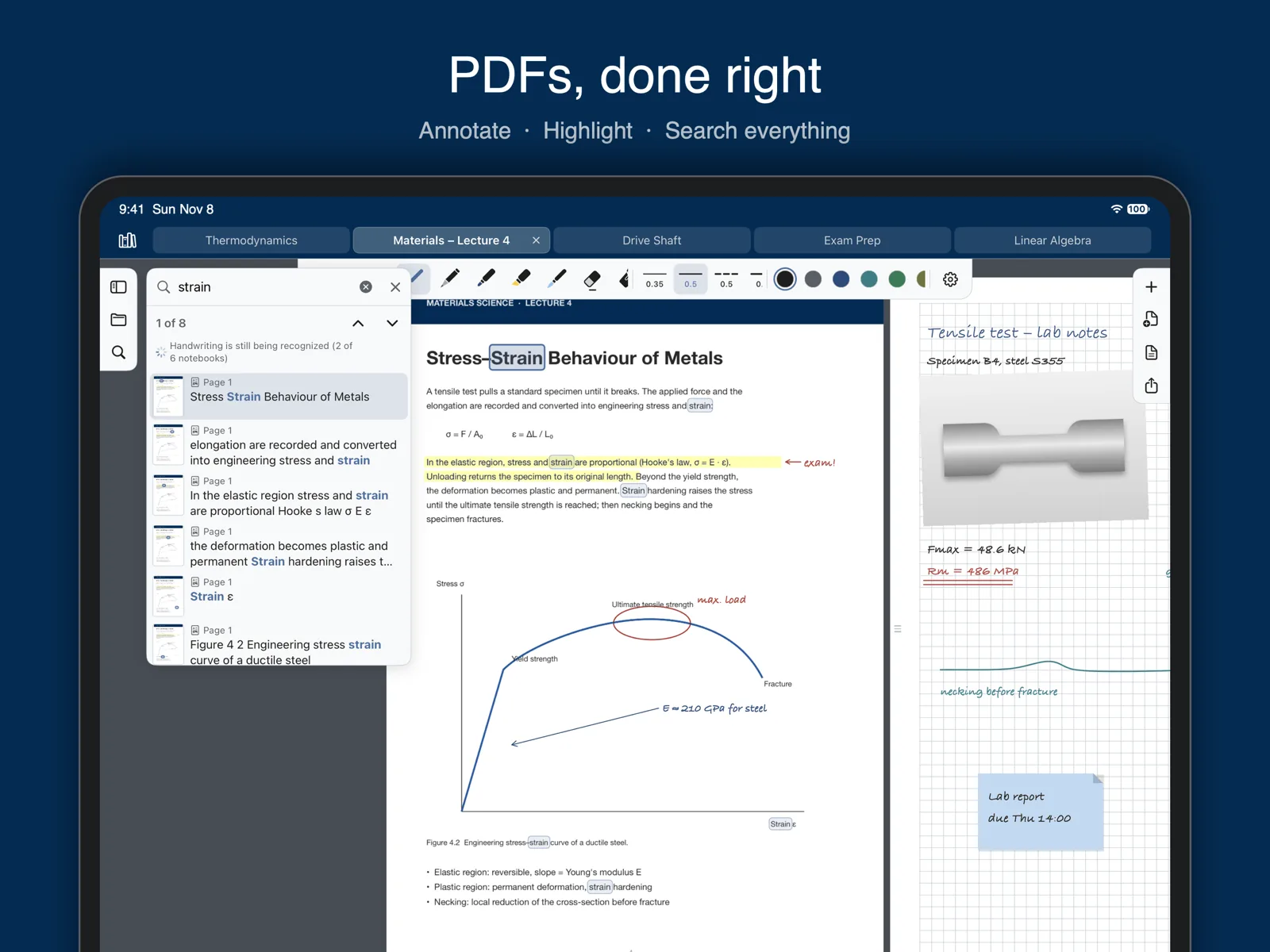
- Import PDFs, write on them, fill in forms, follow links and select text
- Export as PDF or picture, share notebooks, print up to 9 pages per sheet
Find it again
- Search your own handwriting, text boxes and PDFs – recognized on your iPad
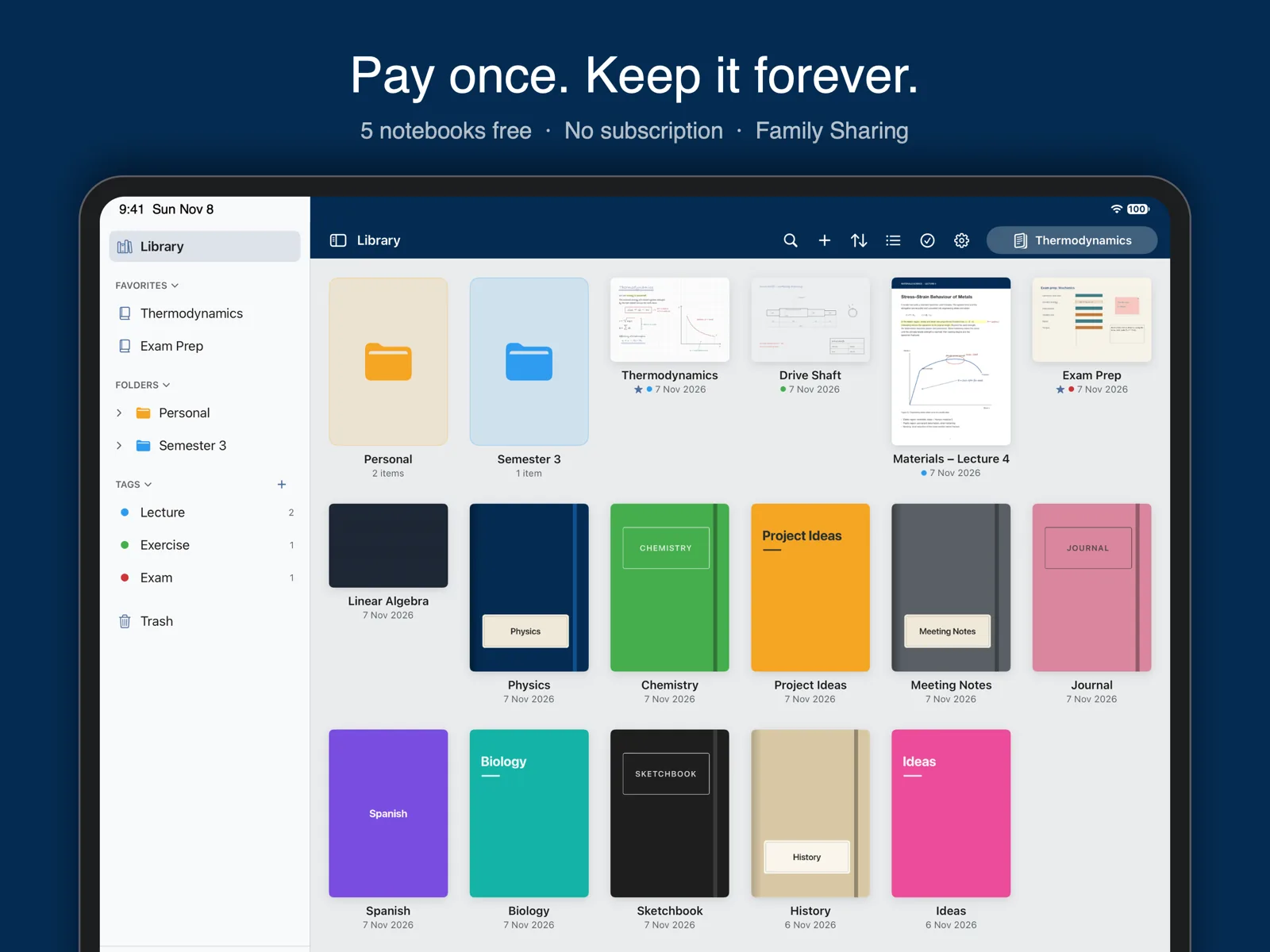
- Library with folders, tags, favorites and a trash
- Tabs for open notebooks and a page overview to reorder pages
Present
- Laser pointer with dot or trail
- On an external screen or AirPlay, only your pages and the laser are shown
Your notes, your devices
- iCloud sync across your iPads
- No account, no ads, no tracking – your notes stay with you
- Light and dark mode, 15 color schemes and accent colors
Fair price
NoteInk is free for 5 notebooks, PDFs or documents. Need more? Unlock NoteInk Unlimited once and keep it forever – no subscription. With Family Sharing, your whole family can use it.